

Free Download FontLab Pad for Mac & Windows
Enter your email address to get your free download links.
Thank you! Your submission has been received!
Oops! Something went wrong while submitting the form.
Like FontLab Pad? Leave us a tip!
Enter your email address to get your free download links.
Like FontLab Pad? Leave us a tip!

Found a font you love? Put it to work in your favorite app — with FontLab Pad. It’s free!
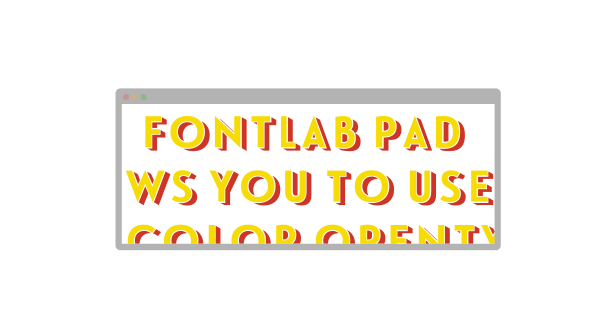
Color fonts bring their own palette. Variable fonts let you adjust weight, width and other features of the design. But getting the look you want into your document isn’t always straightforward: your app may not support the font’s colors or give you access to its variations.
FontLab Pad gives you a place to get your text just right. Open a font without installing it, type your text and adjust the formatting. Choose a variable font’s named instance or move its axis sliders to find the look you want.
When you’re happy with the result, copy it into your favorite app, or export it as PDF, SVG or PNG to place in your design. From everyday black-and-white fonts to colorful lettering and variable designs, FontLab Pad makes a little room for typographic play!
1. Open an installed font or a font file and type your text.
new Looking for a particular glyph? Press the / key in the preview, then type the glyph name or character, and insert any variant (like a ligature or swash).
2. Choose the size and formatting. Pick transparent background to preview the result over your favorite design app.
new If you’ve opened a variable font, apply any predefined or in-between instance
3. new Copy as Bitmap, SVG or PDF, then paste into your favorite app.
Or save a PNG, SVG or PDF file to place in your design.
Ready to make your own fonts? Create static, variable and color OpenType fonts with FontLab 8, then try them out in FontLab Pad. You can also create Photofont PNG fonts in BitFonter and use them with Pad.